

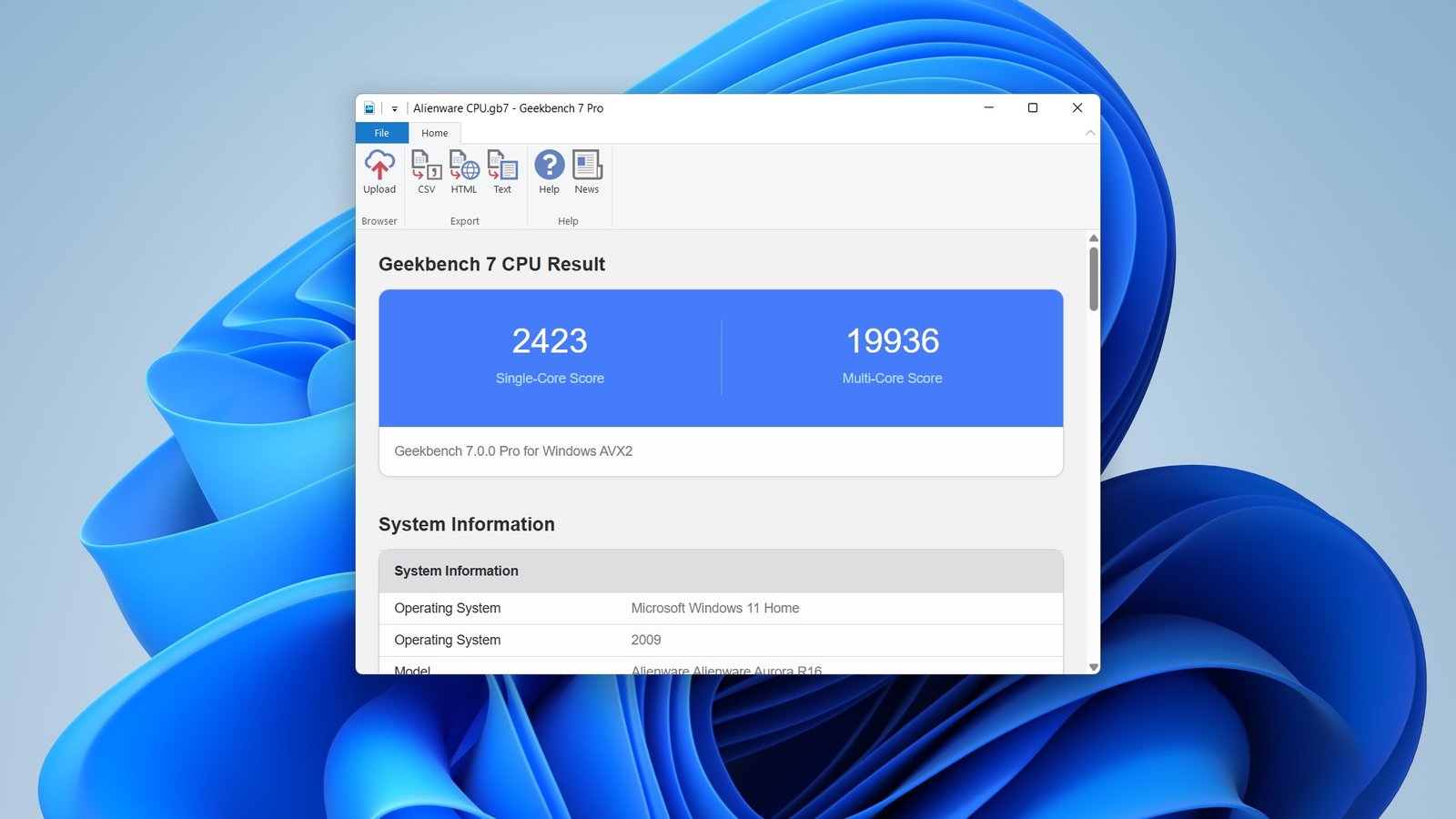
When shopping for a graphics card or comparing your current GPU against newer models, raw specifications only tell part of the story. Clock speeds, VRAM, and CUDA cores might look impressive on paper, but they don’t always reflect how a graphics card performs in actual games or creative workloads. That’s where a GPU benchmark becomes invaluable.
A graphics card benchmark provides standardized performance results, making it easier to compare different GPUs under the same testing conditions. Whether you’re building a gaming PC, upgrading your workstation, or simply curious about your system’s capabilities, understanding benchmark scores helps you make informed decisions instead of relying on marketing claims.
What Is a GPU Benchmark?
A GPU benchmark is a series of performance tests designed to evaluate how efficiently a graphics card handles graphics-intensive tasks. These tests simulate demanding workloads such as gaming, 3D rendering, video editing, artificial intelligence processing, and ray tracing.
The results usually appear as frame rates (FPS), benchmark scores, rendering times, or compute performance, allowing users to compare one graphics card against another with confidence.
Instead of focusing solely on technical specifications, benchmark testing demonstrates how hardware performs in real-world situations.
Why GPU Benchmarks Matter
Performance testing serves several important purposes beyond simple comparisons.
A benchmark can help you:
- Compare different graphics cards before purchasing.
- Check whether your GPU performs as expected.
- Identify overheating or hardware issues.
- Evaluate performance after installing new drivers.
- Measure improvements from overclocking.
- Determine whether a system upgrade is worthwhile.
For gamers, benchmarks reveal average FPS and frame consistency. For creators, they indicate rendering speed and workflow efficiency.
Common Types of GPU Benchmarks
Not every benchmark measures the same workload. Choosing the right test depends on how you use your computer.
Gaming Benchmarks
Gaming benchmarks measure frame rates across different titles using preset graphics settings and resolutions.
Typical measurements include:
- Average FPS
- 1% low FPS
- Frame stability
- Ray tracing performance
- Upscaling performance
These tests closely represent actual gaming experiences.
Synthetic Benchmarks
Synthetic tests generate heavy graphical workloads specifically designed to stress graphics hardware.
They provide:
- Standardized performance scores
- Easy comparison across multiple GPUs
- Repeatable testing environments
- Stress testing capability
Although synthetic scores are useful, they should always be considered alongside real-game performance.
Professional Workload Benchmarks
Creative professionals often use GPU-intensive applications for:
- Video editing
- CAD software
- 3D animation
- Architectural visualization
- AI-assisted content creation
Professional benchmarks evaluate rendering speed and compute performance rather than gaming frame rates.
Factors That Influence Benchmark Results
Benchmark scores are rarely determined by the graphics card alone.
Several components affect overall performance:
Processor
A slower CPU can bottleneck even the fastest GPU, especially at lower resolutions.
Memory
Insufficient RAM or slower memory speeds may reduce overall system responsiveness during testing.
Cooling
Thermal throttling occurs when temperatures become excessive, causing performance to drop.
Drivers
Updated graphics drivers often improve optimization for newer games and applications.
Resolution
Performance naturally decreases as resolution increases.
For example:
- 1080p demands less GPU power.
- 1440p requires significantly more processing.
- 4K places the greatest load on modern graphics cards.
GPU Benchmark Comparison
The table below provides a simplified comparison of common performance tiers.
| GPU Category | Typical Gaming Performance | Best For | Recommended Resolution |
|---|---|---|---|
| Entry-Level | Good for esports titles | Casual gamers | 1080p |
| Mid-Range | High settings in modern games | Most PC gamers | 1080p–1440p |
| High-End | Excellent frame rates with ray tracing | Enthusiasts | 1440p–4K |
| Flagship | Maximum performance in demanding workloads | Professional creators and competitive gamers | 4K and beyond |
Rather than focusing solely on benchmark numbers, consider how closely each category matches your own workload.
How to Interpret GPU Benchmark Scores
Higher numbers don’t automatically mean a graphics card is the best choice.
Consider these factors together:
- Price-to-performance ratio
- Power consumption
- Cooling efficiency
- VRAM capacity
- Driver support
- Intended workload
For example, two graphics cards may produce nearly identical frame rates, yet one consumes considerably less power while generating lower temperatures. That efficiency could make it the better long-term investment.
Popular GPU Benchmarking Tools
Several widely used benchmarking applications help evaluate graphics performance.
Popular choices include:
- 3D graphics stress tests
- Gaming benchmark suites
- Rendering benchmarks
- Built-in game benchmarking tools
- GPU monitoring utilities
Using multiple benchmarks provides a more balanced understanding than relying on a single score.
How GPU Benchmarks Guide Better Buying Decisions
Imagine you’re planning to upgrade your gaming PC because newer titles struggle to maintain smooth frame rates at high settings. After comparing benchmark results from several modern graphics cards, you notice that one mid-range option consistently delivers over 100 FPS at 1440p while staying within your budget. Instead of spending significantly more on a flagship model that offers only a modest improvement for your preferred games, you choose the balanced option and achieve excellent performance without overspending. This approach highlights how benchmark data supports smarter purchasing decisions.
Tips for Running Accurate GPU Benchmarks
Obtaining reliable benchmark results requires consistency.
Before testing:
- Close unnecessary background applications.
- Install the latest graphics drivers.
- Allow the system to reach normal operating temperature.
- Use identical graphics settings for each test.
- Repeat each benchmark multiple times.
- Record average results instead of relying on a single run.
Small variations are normal, but consistent testing produces more meaningful comparisons.
Common Benchmarking Mistakes
Many users misinterpret benchmark results by overlooking important variables.
Avoid these common errors:
- Comparing different resolutions.
- Ignoring CPU limitations.
- Testing with outdated drivers.
- Judging performance using only synthetic scores.
- Overlooking thermal performance.
- Comparing systems with different hardware configurations.
A balanced evaluation always considers the complete system rather than the graphics card alone.
My Perspective After Years of Comparing GPUs
From my own experience comparing graphics cards across multiple PC builds, I have found that consistent benchmark testing often reveals performance differences that specifications alone never fully explain.
That insight becomes especially valuable when deciding between similarly priced GPUs.
Also Read:Best Motherboard for Gaming: Top Picks & Buying Guide
Conclusion
A GPU benchmark is one of the most reliable ways to evaluate graphics card performance before making an upgrade or purchase. Instead of relying solely on advertised specifications, benchmark testing provides measurable results that reflect gaming, creative workloads, and overall system capability.
Whether you’re a competitive gamer aiming for higher frame rates, a content creator seeking faster rendering, or someone building a balanced PC, understanding benchmark results helps you invest wisely. By combining benchmark scores with pricing, power efficiency, cooling, and real-world performance, you’ll make decisions that offer better value and a smoother computing experience.
Frequently Asked Questions
What is the best GPU benchmark for gaming?
The most useful gaming benchmarks combine synthetic testing with performance measurements from actual games, providing a balanced view of real-world performance.
Are synthetic benchmark scores accurate?
Yes, they accurately measure standardized workloads, but they should be complemented with gaming or application-specific benchmarks for a complete evaluation.
How often should I benchmark my graphics card?
Running benchmarks after driver updates, hardware upgrades, or when troubleshooting performance issues is generally sufficient.
Can benchmark scores vary between identical GPUs?
Yes. Cooling, CPU performance, RAM configuration, driver versions, operating system settings, and background applications can all influence benchmark results.
Is a higher benchmark score always better?
Not necessarily. Price, efficiency, temperatures, power consumption, and your intended use should all be considered alongside raw performance scores.

