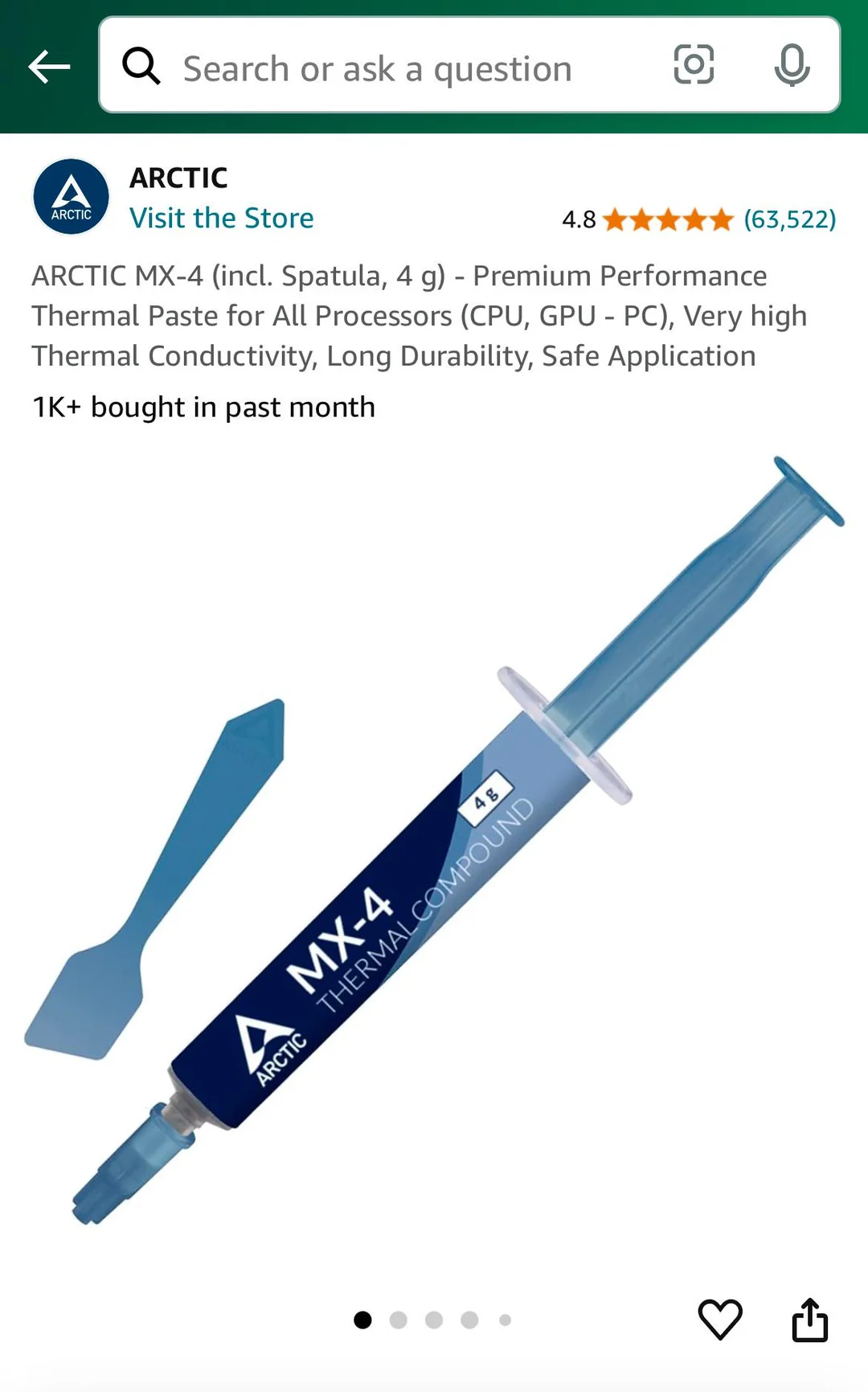
When building a PC or upgrading a cooling system, one small component often gets overlooked—thermal paste. Despite its modest appearance, this heat-conductive compound plays a vital role in transferring heat from your CPU or GPU to the cooler. Choosing the best thermal paste can improve temperatures, enhance system stability, and even extend the lifespan of your hardware.
Whether you’re assembling a gaming PC, upgrading a workstation, or replacing dried-out thermal compound during maintenance, understanding what makes a quality thermal interface material is essential. This guide explores the top options, key buying factors, and practical tips to help you make the right decision.
Why Thermal Paste Matters
Modern processors generate significant heat, especially under heavy workloads. Although CPU coolers are designed to dissipate this heat efficiently, the metal surfaces of the processor and cooler aren’t perfectly smooth. Tiny microscopic gaps trap air, which is a poor conductor of heat.
Thermal paste fills these gaps, creating a more efficient path for heat transfer. The result is:
- Lower CPU temperatures
- Improved cooling efficiency
- Reduced thermal throttling
- Better long-term hardware reliability
- Quieter cooling performance in many cases
Even premium air or liquid coolers can’t perform at their best without a quality thermal compound.
What Makes a Great Thermal Paste?
Not every thermal compound performs the same. Some prioritize maximum cooling, while others focus on easy application or long-lasting durability.
Here are the most important characteristics to evaluate:
Thermal Conductivity
Higher thermal conductivity generally allows heat to move more efficiently from the processor to the cooler. While manufacturers often list conductivity values, real-world performance depends on the overall formulation rather than a single specification.
Ease of Application
A paste with the right consistency spreads evenly and minimizes installation mistakes. Beginners often benefit from compounds that aren’t overly thick or runny.
Long-Term Stability
Quality compounds resist drying out over time. This reduces the need for frequent reapplication and maintains consistent cooling performance for years.
Electrical Conductivity
Most users should choose electrically non-conductive compounds. They reduce the risk of accidental short circuits if a small amount spreads outside the processor.
Comparison of Popular Thermal Paste Options
| Thermal Paste | Best For | Key Strength | Typical Lifespan | Difficulty |
|---|---|---|---|---|
| Arctic MX-6 | Everyday PCs | Excellent all-around performance | 5–8 years | Easy |
| Noctua NT-H2 | Air coolers | Consistent temperatures | 4–6 years | Very Easy |
| Thermal Grizzly Kryonaut | Gaming & overclocking | Outstanding thermal performance | 2–4 years | Moderate |
| Arctic MX-4 | Budget builds | Great value | 5+ years | Very Easy |
| Cooler Master CryoFuze | High-performance systems | Reliable under heavy load | 3–5 years | Easy |
Rather than focusing only on benchmark differences of one or two degrees, consider reliability, ease of use, and long-term maintenance when making your decision.
Best Thermal Paste for Different Users
For Gaming PCs
Gamers often push CPUs to high utilization during long sessions. A premium thermal compound helps maintain lower temperatures and consistent clock speeds during demanding gameplay.
Thermal Grizzly Kryonaut and Arctic MX-6 remain popular among enthusiasts seeking excellent cooling performance.
For Everyday Computers
If you browse the web, work with office applications, or occasionally edit photos, there’s little need to spend extra on enthusiast-grade compounds.
Arctic MX-4 and Noctua NT-H2 deliver dependable cooling while remaining easy to apply.
For Workstations
Video editing, 3D rendering, software development, and engineering workloads generate sustained heat over long periods. Stable, long-lasting thermal paste becomes especially important in these systems.
Choosing a premium non-conductive compound helps maintain consistent temperatures without frequent maintenance.
How to Apply Thermal Paste Correctly
Even the highest-quality product won’t perform well if applied incorrectly.
Follow these simple steps:
- Clean old thermal paste using isopropyl alcohol.
- Ensure both CPU and cooler surfaces are completely dry.
- Apply a pea-sized drop in the center of the processor.
- Install the cooler using even pressure.
- Avoid manually spreading the paste unless the manufacturer specifically recommends it.
Using too much paste can reduce cooling efficiency rather than improve it.
Common Mistakes to Avoid
Many temperature issues stem from installation errors rather than poor thermal compound quality.
Avoid these common mistakes:
- Applying excessive paste
- Reusing old dried compound
- Forgetting to remove protective plastic from the cooler
- Tightening cooler screws unevenly
- Mixing different thermal compounds
A careful installation often matters just as much as the product itself.
Professional Use Cases for Premium Thermal Paste
High-performance systems place unique demands on cooling solutions.
Examples include:
- Competitive gaming PCs
- Content creation workstations
- AI and machine learning systems
- Video rendering computers
- Overclocked desktop builds
- Compact Mini-ITX systems
In these environments, every degree of cooling can contribute to better sustained performance.
How Quality Thermal Paste Improves System Performance
Imagine a gamer who upgrades from an entry-level thermal compound to a premium non-conductive paste while cleaning their CPU cooler. After reinstalling everything properly, CPU temperatures during long gaming sessions drop by several degrees. The cooling fans no longer ramp up as aggressively, resulting in a noticeably quieter system and smoother performance during extended gameplay. Small improvements like these often make daily PC use more enjoyable.
My Experience
During one of my own PC maintenance sessions, replacing an aging thermal compound with a modern premium paste noticeably reduced processor temperatures under sustained workloads, reminding me how much this small upgrade can influence overall cooling efficiency.
How Often Should Thermal Paste Be Replaced?
The answer depends on the product and usage.
Generally:
- Budget compounds: every 2–3 years
- Premium compounds: every 4–8 years
- Heavy overclocking systems: inspect more frequently
If temperatures steadily rise despite clean fans and proper airflow, replacing the thermal paste is a worthwhile troubleshooting step.
Is Expensive Always Better?
Not necessarily.
Many premium compounds outperform cheaper alternatives, but the difference is often only a few degrees in typical systems. For most users, a reliable, easy-to-apply paste offers better long-term value than chasing the highest advertised thermal conductivity.
Instead of focusing solely on marketing claims, prioritize proven reliability, simple application, and long service life.
Final Thoughts
Selecting the best thermal paste isn’t just about chasing the lowest benchmark temperatures. It’s about finding a dependable solution that matches your computer, workload, and maintenance preferences.
For most PC builders, premium non-conductive compounds like Arctic MX-6 or Noctua NT-H2 provide an excellent balance of cooling performance, durability, and ease of application. Enthusiasts and overclockers may benefit from specialized high-performance options, while everyday users can achieve excellent results with affordable alternatives.
Combined with a quality CPU cooler, proper airflow, and correct installation, a good thermal compound helps keep your processor cooler, quieter, and performing at its best for years to come.
Also Read:Best Motherboard: Top Picks & Complete Buying Guide
Frequently Asked Questions
What is the best thermal paste for gaming PCs?
Premium options such as Arctic MX-6 and Thermal Grizzly Kryonaut are widely regarded for delivering excellent cooling performance during intensive gaming sessions.
Does thermal paste really make a difference?
Yes. It improves heat transfer between the processor and cooler, often reducing temperatures and preventing thermal throttling.
How much thermal paste should I apply?
A small pea-sized amount in the center of the CPU is sufficient for most modern processors.
Can thermal paste expire?
Yes. Unopened paste typically lasts several years, while opened tubes may gradually degrade depending on storage conditions.
Is liquid metal better than regular thermal paste?
Liquid metal offers exceptional thermal performance but is electrically conductive and requires careful application. Standard thermal compounds remain the safer choice for most users.
Can old thermal paste cause overheating?
Yes. As thermal compound dries out over time, its heat transfer efficiency decreases, potentially leading to higher CPU temperatures and reduced performance