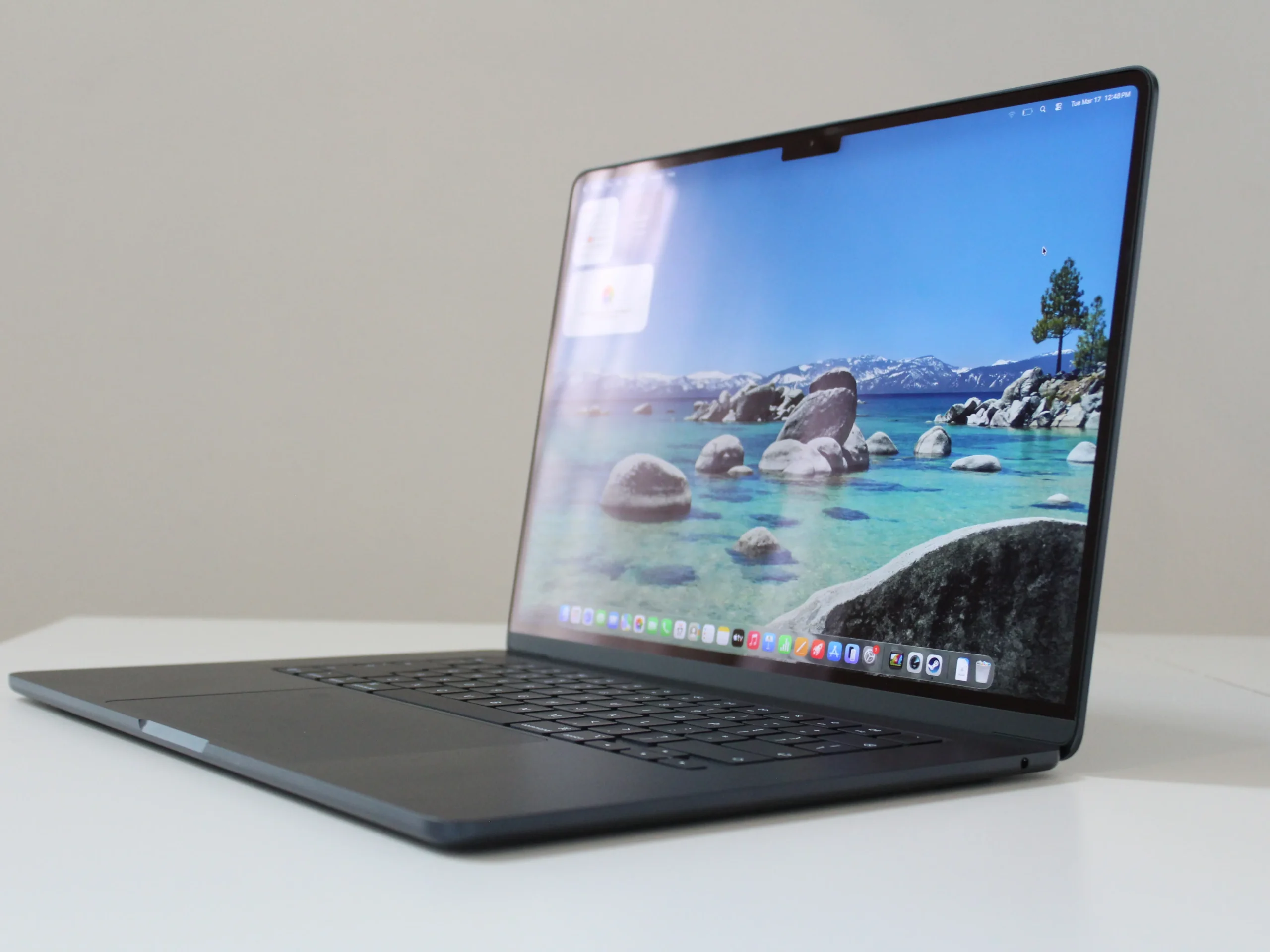
Finding the best laptops isn’t as simple as picking the most expensive model. Today’s market offers powerful machines for students, professionals, gamers, creators, and casual users, each with different priorities. A laptop that’s perfect for video editing may be unnecessary for someone who mainly browses the web, while a gaming laptop can be excessive for office work.
The good news is that manufacturers now offer excellent options across nearly every budget. By understanding what matters most—performance, battery life, display quality, portability, and value—you can invest in a laptop that serves you well for years instead of chasing unnecessary specifications.
What Makes a Laptop Worth Buying?
Before comparing brands or prices, consider how you’ll use your device every day. The right balance of hardware often matters more than simply buying the newest release.
Here are the key factors to evaluate:
- Processor performance for multitasking
- RAM capacity for smoother operation
- SSD storage for faster boot times
- Battery life for mobility
- Display resolution and brightness
- Build quality and durability
- Keyboard and touchpad comfort
- Upgrade options and connectivity
Choosing based on your actual workload helps you avoid overspending while ensuring reliable long-term performance.
Best Laptops by User Type
Different users have different expectations. Instead of searching for a single “perfect” laptop, match the device to your needs.
Students
Students benefit from lightweight laptops with dependable battery life and enough processing power for research, online classes, presentations, and productivity software.
Ideal specifications include:
- Intel Core i5 or AMD Ryzen 5
- 16GB RAM
- 512GB SSD
- Full HD display
- Battery life of 8–12 hours
A compact design also makes carrying the laptop across campus much easier.
Professionals
Remote workers and business professionals need dependable performance during long workdays. Fast multitasking, video conferencing, document editing, and multiple browser tabs should run without slowdowns.
Features worth prioritizing include:
- Comfortable keyboard
- High-quality webcam
- Reliable battery
- Fast SSD storage
- Durable aluminum chassis
Content Creators
Photo editors, video creators, and graphic designers demand more computing power than average users.
Look for:
- Dedicated graphics card
- High-resolution color-accurate display
- Powerful multi-core processor
- At least 16GB RAM (32GB preferred)
- Fast NVMe SSD storage
These specifications significantly reduce rendering and editing times.
Gamers
Gaming laptops combine powerful CPUs with dedicated GPUs capable of handling modern titles at high frame rates.
Important features include:
- High refresh-rate display (120Hz or higher)
- Efficient cooling system
- RTX or Radeon graphics
- Expandable storage
- Advanced thermal management
Quick Comparison of Laptop Types
| Laptop Type | Best For | Main Advantages | Potential Drawbacks |
|---|---|---|---|
| Ultrabook | Students & professionals | Lightweight, long battery life | Limited gaming performance |
| Business Laptop | Office work | Durable, secure, reliable | Premium pricing |
| Gaming Laptop | Modern games | Powerful graphics, high refresh displays | Heavier and shorter battery life |
| Creator Laptop | Editing & design | Excellent displays and performance | More expensive |
| Budget Laptop | Everyday use | Affordable, efficient | Lower-end hardware |
This comparison makes it easier to narrow your choices before exploring specific models.
Features That Matter More Than Brand Names
Many shoppers focus heavily on branding, but real-world performance depends more on hardware and build quality.
Processor
The processor acts as the laptop’s brain.
Good choices include:
- Intel Core i5 or Core i7
- AMD Ryzen 5 or Ryzen 7
These processors comfortably handle multitasking, office work, entertainment, and even moderate creative workloads.
RAM
Modern software uses considerably more memory than it did a few years ago.
Recommended amounts include:
- 8GB for light users
- 16GB for most buyers
- 32GB for professionals and creators
Extra RAM helps maintain responsiveness when running multiple applications simultaneously.
Storage
Solid-state drives (SSDs) dramatically improve overall performance compared to traditional hard drives.
Recommended capacities:
- 256GB minimum
- 512GB ideal
- 1TB or more for creators and gamers
Applications load faster, and Windows starts within seconds.
Display
A quality display reduces eye strain during extended use.
Look for:
- Full HD (1920×1080) resolution or higher
- IPS or OLED panel
- Brightness above 300 nits
- Anti-glare coating if you work outdoors
Battery Life Still Matters
Performance means little if you’re constantly searching for a power outlet.
Modern efficient processors have improved battery life significantly, making it possible for many laptops to last an entire workday.
If portability is your priority, look for systems advertising between 10 and 15 hours of real-world usage rather than relying solely on manufacturer estimates.
How Different Users Choose the Right Laptop
Imagine two people shopping for laptops. One is a university student who attends online lectures, writes assignments, and streams videos in the evening. The other is a freelance video editor managing large 4K projects. Although both need reliable computers, their requirements differ dramatically. The student benefits more from a lightweight laptop with excellent battery life, while the editor gains greater value from faster processors, dedicated graphics, and a high-resolution display. Understanding daily usage helps eliminate unnecessary features and leads to a smarter purchase.
My Experience Choosing a Laptop
When I compared several laptops for productivity-focused work, I found that prioritizing a comfortable keyboard, a fast SSD, and 16GB of RAM made a much bigger difference in daily use than simply choosing the most expensive model.
Common Mistakes Buyers Make
Many buyers spend too much on specifications they’ll never fully utilize.
Some common mistakes include:
- Buying a gaming laptop for basic office work
- Choosing only 8GB RAM for demanding workloads
- Ignoring display quality
- Selecting insufficient storage
- Overlooking battery life
- Focusing solely on processor speed
Avoiding these mistakes often results in better long-term satisfaction.
How to Get the Best Value
Rather than chasing flagship models, focus on balanced specifications that match your needs.
A well-rounded laptop with:
- Modern processor
- 16GB RAM
- 512GB SSD
- Quality Full HD display
- Strong battery life
will remain useful for several years while offering excellent value for money.
Also consider warranty coverage, upgrade potential, and customer support before making a final decision.
Also Read:Best Gaming Laptop: Top Picks & Buying Guide 2026
Conclusion
The best laptops are the ones that align with your everyday tasks, budget, and future needs. Whether you’re studying, working remotely, editing creative projects, or enjoying modern games, selecting balanced hardware will provide a better experience than simply buying the highest-priced option.
Take time to compare performance, battery life, storage, display quality, and portability before making your purchase. A thoughtful decision today can save money while delivering dependable performance for years to come.
Frequently Asked Questions
What is the best laptop for everyday use?
A laptop with an Intel Core i5 or AMD Ryzen 5 processor, 16GB RAM, a 512GB SSD, and a Full HD display is an excellent choice for everyday productivity, entertainment, and multitasking.
How much RAM should a laptop have?
For most users, 16GB of RAM provides the best balance of performance and longevity. Casual users may find 8GB sufficient, while creators and professionals often benefit from 32GB.
Is SSD storage better than an HDD?
Yes. SSDs offer significantly faster boot times, quicker application loading, improved responsiveness, and greater durability than traditional hard drives.
Are gaming laptops good for work?
Yes. Gaming laptops can handle professional workloads with ease thanks to their powerful processors and graphics. However, they are generally heavier, consume more power, and may cost more than standard productivity laptops.
How long should a good laptop last?
With proper care and specifications suited to your needs, a quality laptop can remain reliable for five to seven years before requiring replacement.