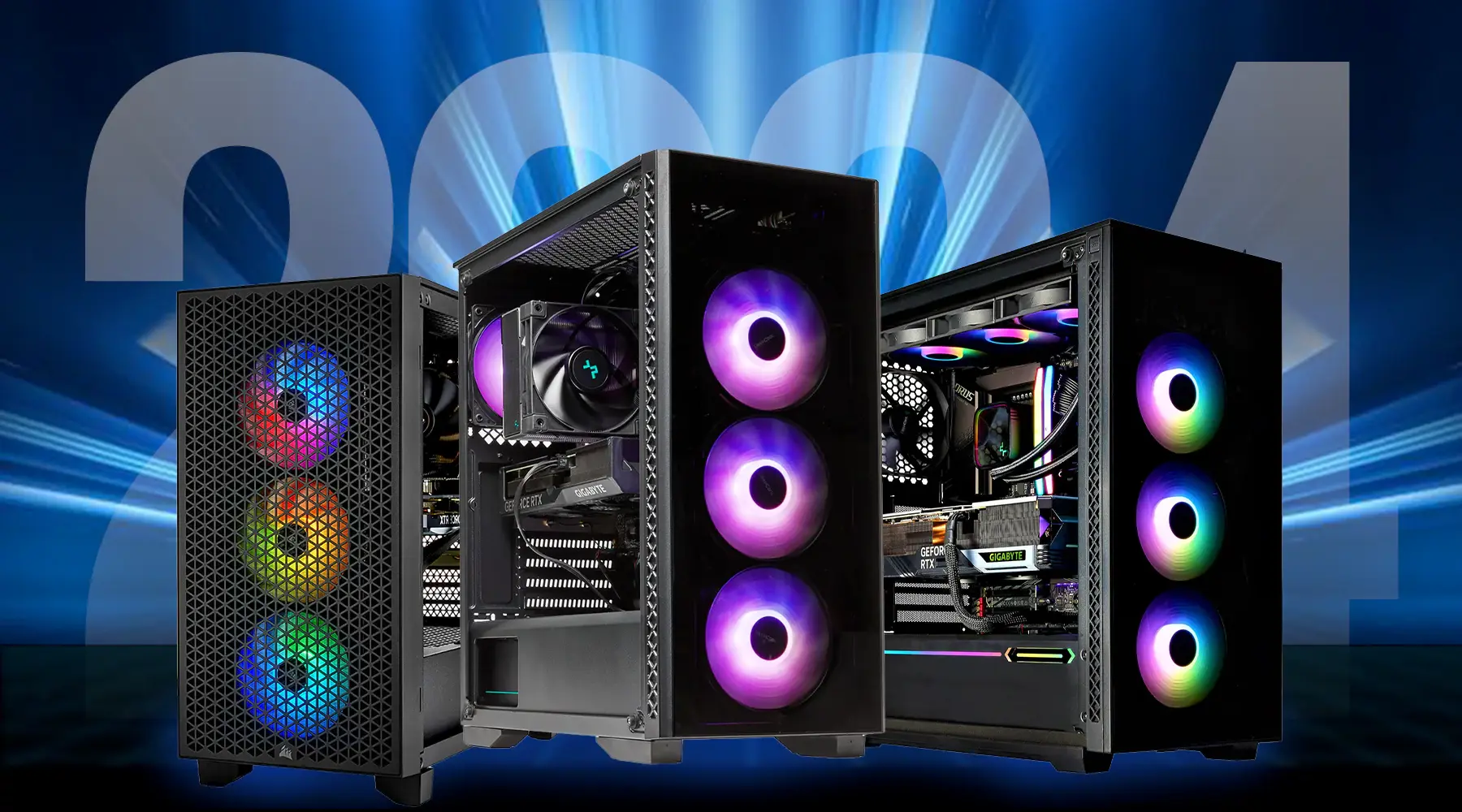
Choosing the best CPU for gaming is no longer as simple as buying the processor with the highest clock speed. Modern games rely on a combination of strong single-core performance, efficient multi-core processing, and compatibility with the latest graphics cards. Whether you’re building a new gaming PC or upgrading an older system, selecting the right processor can significantly improve frame rates, reduce stuttering, and provide a smoother overall gaming experience.
With both AMD and Intel offering outstanding options, gamers now have more choices than ever. The ideal processor depends on your budget, gaming resolution, streaming needs, and plans for future upgrades.
Why Your Gaming Processor Matters
While the graphics card handles most visual rendering, the processor is responsible for game logic, physics calculations, AI, background tasks, and communication with the GPU. A weak processor can limit even the most powerful graphics card, creating what’s known as a CPU bottleneck.
A capable processor ensures:
- Higher and more stable FPS
- Faster game loading and level transitions
- Better multitasking while gaming
- Smooth streaming and content creation
- Longer system lifespan before requiring an upgrade
If you’re aiming for competitive gaming or high-refresh-rate monitors, investing in a strong processor becomes even more important.
What to Consider Before Buying
Before comparing specific models, it’s helpful to understand the features that have the biggest impact on gaming performance.
Core and Thread Count
Modern games generally perform best with six to eight cores. If you also stream, edit videos, or run demanding applications while gaming, processors with twelve or more cores provide additional flexibility.
Clock Speed
Higher boost clocks often translate into better gaming performance because many games still rely heavily on fast individual cores.
Cache Size
Large processor cache reduces latency and improves gaming responsiveness. Recent gaming-focused CPUs with expanded cache have demonstrated noticeable improvements in many popular titles.
Platform Compatibility
Remember to verify motherboard compatibility before purchasing. Intel and AMD use different sockets, and newer processors may require updated chipsets or BIOS versions.
Top Gaming CPUs Compared
The following processors represent some of the strongest gaming choices across different budgets.
| Processor | Best For | Core/Thread Count | Key Strength |
|---|---|---|---|
| AMD Ryzen 7 9800X3D | Pure gaming performance | 8C / 16T | Outstanding gaming FPS |
| AMD Ryzen 9 9950X | Gaming and productivity | 16C / 32T | Excellent multitasking |
| Intel Core Ultra 7 265K | Balanced performance | 20 cores (hybrid) | Great gaming and creative work |
| AMD Ryzen 5 9600X | Mid-range gaming | 6C / 12T | Excellent value |
| Intel Core i5-14600K | Budget enthusiasts | Hybrid architecture | Strong price-to-performance |
Each processor serves a different type of gamer, making it important to match your purchase to your actual needs rather than simply buying the most expensive option.
Best High-End Choice
If your goal is achieving the highest frame rates possible, AMD’s latest X3D processor stands among the strongest options available.
Its large cache design allows games to access frequently used data much faster, improving performance in CPU-intensive titles such as simulation games, competitive shooters, and large open-world adventures.
Gamers using powerful graphics cards at 1080p or 1440p often experience the greatest benefits.
Best Value for Most Gamers
Not everyone needs a flagship processor.
A quality six-core or eight-core CPU provides excellent gaming performance while leaving room in the budget for a stronger graphics card, which usually has a greater impact on gaming performance.
For many builders, this balanced approach delivers the best overall gaming experience without overspending.
Best Processor for Streaming
Streaming places additional demands on your computer because the processor must handle both the game and video encoding simultaneously.
If you regularly broadcast gameplay on Twitch or create YouTube content, processors with higher core counts provide smoother multitasking and faster rendering.
They also perform better when running Discord, recording software, browsers, and editing applications at the same time.
Gaming Performance Across Different Resolutions
Your gaming resolution changes how important the processor becomes.
1080p Gaming
The CPU plays a major role because the graphics card can produce very high frame rates. Competitive players often benefit from faster gaming processors.
1440p Gaming
This resolution offers an excellent balance between processor and graphics card workload, making it one of today’s most popular gaming choices.
4K Gaming
At 4K, the graphics card becomes the primary performance factor. Even a mid-range processor can often deliver excellent results when paired with a high-end GPU.
How This CPU Performs During Actual Gameplay
Imagine two players using the same graphics card but different processors while playing a competitive first-person shooter on a 240Hz monitor. The system with the faster gaming processor consistently delivers higher minimum frame rates and smoother gameplay during intense firefights. Although both systems may report similar average FPS, the improved frame consistency provides a noticeably better competitive experience.
This demonstrates why processor selection remains important even when using identical graphics hardware.
Should You Choose AMD or Intel?
Both manufacturers produce excellent gaming processors, but they appeal to slightly different audiences.
AMD has earned an outstanding reputation for maximizing gaming performance, particularly with processors featuring expanded cache technology. These CPUs often lead gaming benchmarks while maintaining impressive power efficiency.
Intel, meanwhile, offers excellent all-around performance. Many of its latest processors excel in gaming while also handling demanding productivity workloads exceptionally well.
Rather than focusing solely on the brand, compare actual gaming performance, pricing, motherboard costs, and your upgrade plans.
Cooling Requirements
High-performance processors generate considerable heat during extended gaming sessions.
Air coolers work well for many mid-range CPUs, while premium gaming processors often benefit from high-quality liquid cooling or advanced tower coolers to maintain peak boost speeds.
Proper airflow inside your PC case also contributes significantly to stable gaming performance.
Upgrade Considerations
Before upgrading your processor, evaluate your complete system.
Ask yourself:
- Is your graphics card limiting performance?
- Will your motherboard support the new processor?
- Do you need faster memory?
- Is your power supply sufficient?
Upgrading only one component may not provide the improvement you’re expecting if another part of the system becomes the bottleneck.
My Experience Building Gaming PCs
From my experience evaluating gaming PC configurations, I’ve found that pairing a balanced processor with the right graphics card almost always delivers a better gaming experience than spending the entire budget on one premium component.
This balanced approach often results in higher overall performance, quieter operation, and better long-term value.
Is an Expensive Gaming Processor Always Worth It?
Not necessarily.
Many gamers never fully utilize flagship processors because they primarily play at higher resolutions where the graphics card handles most of the workload.
Instead of chasing benchmark numbers, focus on your gaming habits, preferred resolution, and future upgrade plans.
A well-balanced system frequently provides a smoother experience than an expensive processor paired with weaker supporting hardware.
Also Read:Best Wireless Mouse for Work | Top Picks & Buying Guide
Conclusion
Finding the best CPU for gaming comes down to balancing performance, budget, and future needs. High-end processors deliver exceptional frame rates for enthusiasts and competitive gamers, while mid-range models provide outstanding value for most players.
Whether you choose AMD or Intel, prioritize compatibility, cooling, and overall system balance. A thoughtfully selected processor ensures your gaming PC remains fast, responsive, and ready for new releases over the coming years.
Rather than buying based solely on specifications, consider how you actually play. Matching your processor to your graphics card, monitor resolution, and daily workload will produce the best overall gaming experience.
Frequently Asked Questions
What is the ideal number of cores for gaming?
For most modern games, six to eight cores provide excellent performance. Gamers who stream or multitask may benefit from processors with twelve or more cores.
Does gaming require a high-end processor?
Not always. Many mid-range processors deliver outstanding gaming performance, especially when paired with a capable graphics card.
Is AMD better than Intel for gaming?
Both companies produce excellent gaming processors. AMD often leads in gaming-focused performance, while Intel offers strong all-around capabilities for gaming and productivity.
Should I upgrade my processor or graphics card first?
If your graphics card is several generations old, upgrading it often produces the largest gaming improvement. However, an outdated processor can also limit overall performance.
How long does a gaming processor typically last?
A quality gaming processor can remain relevant for five to seven years, depending on gaming demands and future hardware advancements.