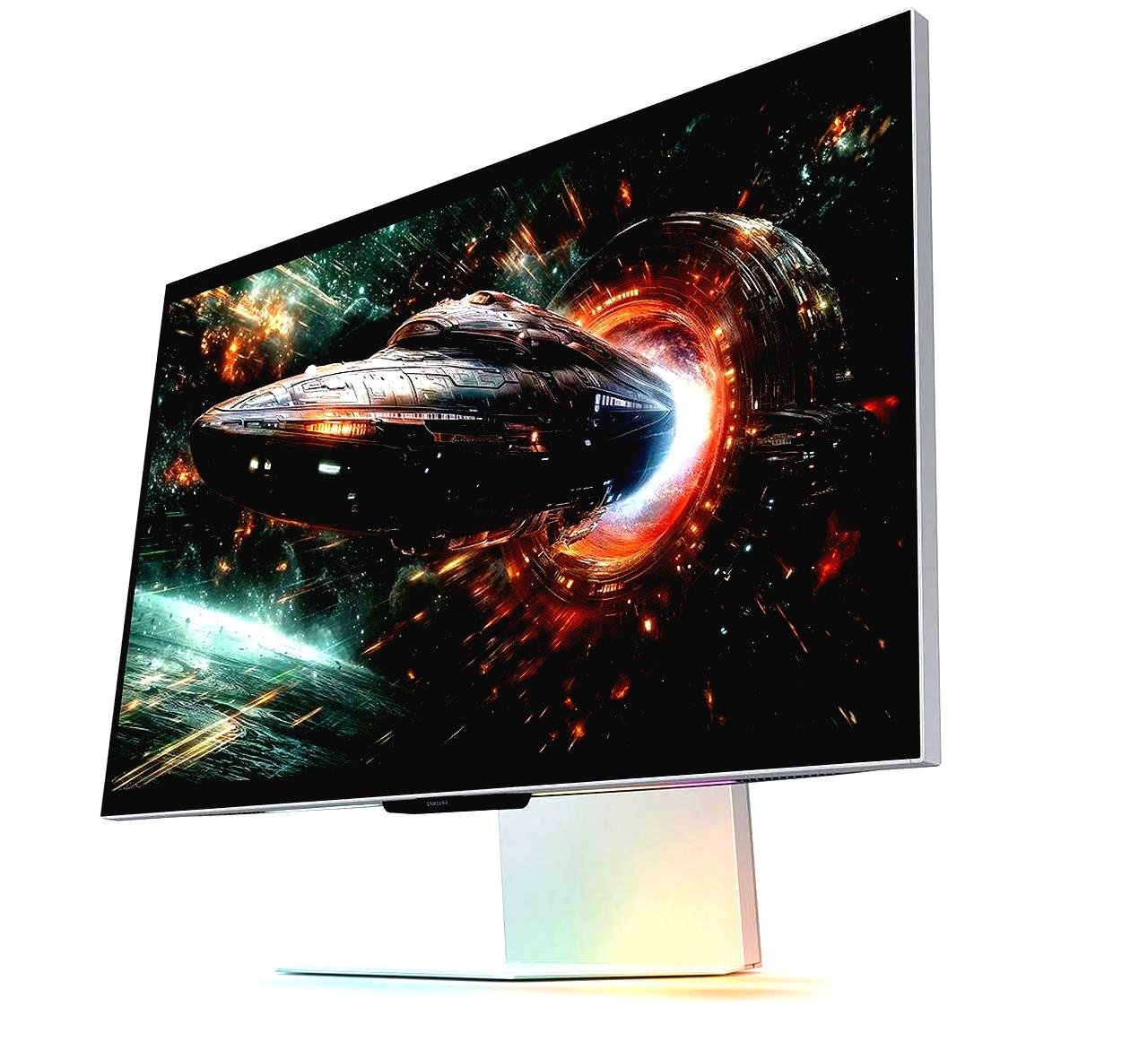
Selecting the right gaming monitor can completely transform the way you play. While many gamers spend hours researching graphics cards and processors, the display often receives less attention than it deserves. A high-quality monitor doesn’t just make games look better—it also improves responsiveness, reduces motion blur, and creates a smoother overall experience.
If you’ve ever wondered how to choose a gaming monitor, the process doesn’t have to be overwhelming. With countless models offering different refresh rates, resolutions, panel types, and gaming technologies, understanding what actually matters will help you make a smarter purchase.
Why Your Gaming Monitor Matters
Your monitor is the final step between your gaming PC or console and your eyes. Even if your system can produce hundreds of frames per second, an outdated display may prevent you from enjoying those improvements.
A well-matched monitor delivers:
- Sharper visuals
- Faster response times
- Smoother gameplay
- Better color accuracy
- Reduced screen tearing
- Improved comfort during long gaming sessions
Instead of buying the most expensive model available, focus on finding one that fits your gaming style and hardware.
Start with the Right Screen Resolution
Resolution determines how much detail appears on the screen.
Here are the most common options:
| Resolution | Best For | Advantages | Considerations |
|---|---|---|---|
| 1080p (Full HD) | Competitive gaming | Excellent performance, affordable | Less sharp on larger displays |
| 1440p (QHD) | Balanced gaming | Great image quality and speed | Requires a stronger GPU |
| 4K (Ultra HD) | Visual enthusiasts | Exceptional detail and clarity | Demands high-end hardware |
For many gamers, 1440p offers the ideal balance between visual quality and gaming performance.
Refresh Rate: One of the Biggest Performance Upgrades
Refresh rate measures how many times the monitor updates each second.
Common options include:
- 60Hz
- 120Hz
- 144Hz
- 165Hz
- 240Hz
- 360Hz
Higher refresh rates produce noticeably smoother motion, especially in fast-paced games like shooters, racing titles, and battle royale games.
If you mainly play competitive games, a 144Hz or 165Hz monitor provides an excellent experience without pushing your budget too far.
Response Time Reduces Motion Blur
Response time measures how quickly pixels change color.
Lower numbers generally mean:
- Cleaner movement
- Less ghosting
- Sharper fast-moving objects
Modern gaming monitors usually offer response times between 1ms and 5ms.
While manufacturers often advertise the lowest possible figures, real-world performance depends on overall panel quality rather than a single specification.
Choosing the Best Panel Type
Different display panels have unique strengths.
IPS Panels
Advantages:
- Excellent colors
- Wide viewing angles
- Strong overall image quality
Best for:
- Story-driven games
- Content creation
- Mixed everyday use
VA Panels
Advantages:
- Deep blacks
- High contrast
- Great movie experience
Best for:
- RPGs
- Adventure games
- Dark environments
TN Panels
Advantages:
- Extremely fast response
- Often lower prices
Best for:
- Competitive esports players
Many modern gamers prefer IPS displays because they combine fast performance with vibrant colors.
Match Screen Size to Your Setup
A larger monitor isn’t always better.
Popular sizes include:
- 24-inch: Perfect for competitive players using 1080p.
- 27-inch: One of the most balanced options for 1440p gaming.
- 32-inch: Excellent for immersive experiences and higher resolutions.
- 34-inch ultrawide: Great for simulation, racing, and productivity.
Consider how far you sit from your desk before choosing a larger display.
Adaptive Sync Makes Gameplay Smoother
Screen tearing happens when your graphics card and monitor fall out of sync.
Adaptive sync technology helps eliminate:
- Screen tearing
- Stuttering
- Uneven frame pacing
If your PC produces varying frame rates, this feature creates a much smoother experience, particularly in demanding games.
HDR: Nice to Have, But Not Everything
High Dynamic Range (HDR) improves:
- Brightness
- Contrast
- Color depth
However, not every monitor delivers true HDR performance.
Budget displays often advertise HDR support without offering the brightness or local dimming needed to make a significant difference. If HDR is important to you, look beyond the label and compare actual display capabilities.
Connectivity Matters More Than You Think
Before purchasing, verify that the monitor includes the ports you need.
Common options include:
- HDMI
- DisplayPort
- USB ports
- USB-C
- Audio output
DisplayPort is typically the preferred connection for high refresh rates on gaming PCs, while HDMI works well for modern consoles.
How the Right Gaming Monitor Improves Real-World Performance
Imagine two friends buying new gaming setups.
One chooses a budget 60Hz office monitor because it’s inexpensive. The other spends a little more on a 27-inch IPS display with a 165Hz refresh rate and adaptive sync.
Both computers produce similar frame rates, but their gaming experiences feel completely different. Fast camera movements appear smoother, aiming becomes more responsive, and extended gaming sessions feel more enjoyable on the gaming-focused monitor. This illustrates how selecting the right display can improve performance without changing any internal hardware.
Consider Your Hardware Before Buying
One common mistake is pairing a powerful monitor with hardware that can’t fully utilize it.
For example:
- A mid-range graphics card works well with 1080p or 1440p.
- High-end GPUs can better handle 4K gaming.
- Competitive players benefit more from higher refresh rates than extremely high resolutions.
Choosing components that complement each other often delivers better value than simply purchasing premium specifications.
Budget Planning
Gaming monitors are available across a wide range of prices.
Generally speaking:
- Entry-level options work well for casual players.
- Mid-range monitors provide the best value for most gamers.
- Premium displays offer advanced features such as OLED panels, ultra-high refresh rates, and superior HDR performance.
Instead of paying for features you’ll rarely use, prioritize the specifications that directly improve your favorite games.
My Experience
After upgrading from a basic 60Hz monitor to a 165Hz IPS display, I immediately noticed smoother gameplay, quicker reactions in competitive matches, and significantly less eye strain during long gaming sessions.
Common Mistakes to Avoid
Many buyers make the following errors:
- Choosing the highest resolution without considering GPU performance.
- Ignoring refresh rate.
- Buying the largest screen that fits the budget.
- Overlooking available ports.
- Assuming every HDR monitor delivers premium picture quality.
- Purchasing based solely on marketing claims.
Taking a few extra minutes to compare specifications can prevent years of disappointment.
Final Thoughts
Learning how to choose a gaming monitor is about finding the right balance between performance, image quality, and budget. Refresh rate, response time, panel technology, screen size, and resolution all contribute to your gaming experience, but the best choice depends on the games you play and the hardware you already own.
A carefully selected monitor won’t just improve today’s games—it will continue delivering smoother visuals and greater immersion for years to come. By focusing on practical features rather than flashy marketing, you’ll invest in a display that enhances every gaming session.
Also Read:Best Gaming Monitors 2025: Top Picks for Every Budget
Frequently Asked Questions
Is a 144Hz monitor worth it?
Yes. Most gamers notice a substantial improvement in smoothness and responsiveness when moving from 60Hz to 144Hz.
Which panel is best for gaming?
IPS panels provide an excellent combination of speed, color accuracy, and viewing angles, making them a popular choice for most gamers.
Should I buy 1080p or 1440p?
If your graphics card is capable, 1440p offers a great balance of image quality and performance. For budget systems or esports titles, 1080p remains an excellent option.
Does screen size affect gaming?
Yes. Larger screens create a more immersive experience, while smaller displays can make competitive gameplay feel quicker and easier to track.
Is response time more important than refresh rate?
Both matter, but refresh rate generally has the biggest impact on perceived smoothness, while response time helps reduce ghosting and motion blur.